
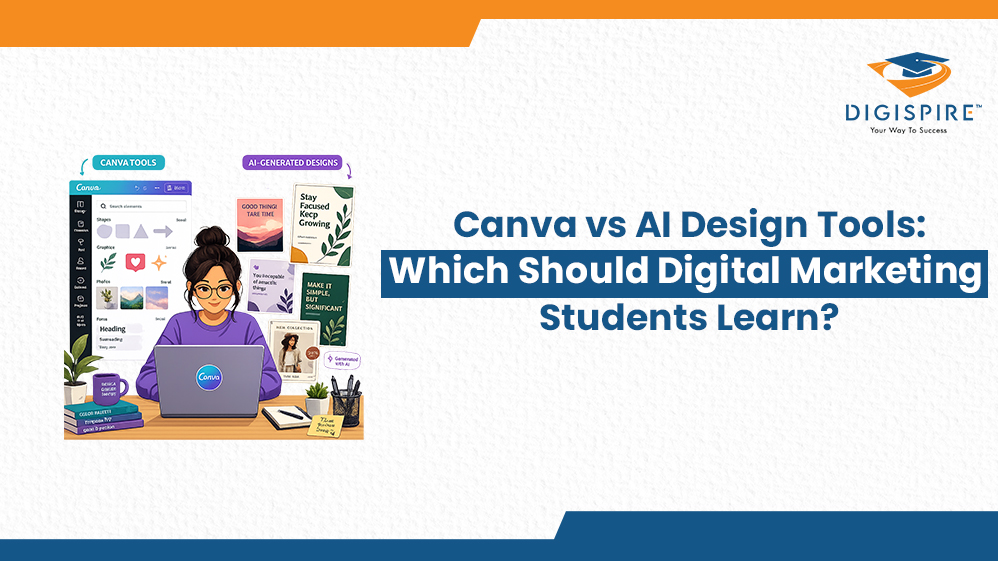
Canva vs AI Design Tools: Which Should Digital Marketing Students Learn?

Table of Contents
The digital marketing industry is evolving faster than ever. A few years ago, knowing how to create basic social media graphics was enough to stand out. Today, employers expect marketers to be comfortable with both design and technology.
If you’re a digital marketing student, you’ve probably noticed that job descriptions frequently mention Canva, while newer roles increasingly ask for experience with AI Design Tools. This raises an important question: which one should you focus on learning first?
The answer depends on your career goals, learning timeline, and the type of work you want to do in the future. Let’s compare both options and understand where each one fits in today’s digital marketing landscape.
Understanding Canva
Canva has transformed the way non-designers create visual content. Its drag-and-drop interface allows anyone to design professional-looking graphics without extensive design experience.
What Makes Canva Popular?
- Easy-to-use interface
- Thousands of ready-made templates
- Large library of photos, icons, and graphics
- Team collaboration features
- Mobile-friendly design creation
- Free version available
- Suitable for social media, presentations, and marketing materials
The biggest advantage of Canva is its accessibility. Most students can learn the basics within a few days and start creating content immediately.
Where Canva Works Best
Canva is particularly useful for:
- Instagram and Facebook posts
- LinkedIn banners
- Presentation decks
- Infographics
- Marketing brochures
- Email graphics
- Quick content creation projects
For businesses and marketing teams that need a high volume of content quickly, Canva remains one of the most practical solutions available.
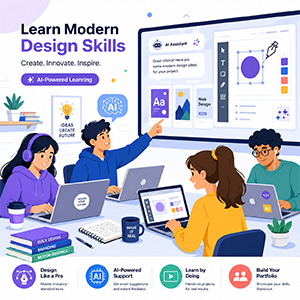
Understanding Modern AI-Powered Design Platforms
The design industry is entering a new era where technology can generate, optimise, and refine visuals with minimal manual effort. This is where AI Design Tools are changing the game.
Instead of starting with a blank canvas, users can generate creative concepts through prompts, automate repetitive tasks, and explore multiple design variations within minutes.
Key Benefits
- Faster content generation
- Automated design suggestions
- Multiple creative variations
- Better workflow efficiency
- Improved scalability for campaigns
- Enhanced personalization capabilities
- Strong demand in emerging job roles
These platforms are helping marketers create more content in less time while maintaining quality and consistency.
Why This Decision Matters
The tool you learn today can influence the opportunities available to you after graduation.
Current Market Demand
Many entry-level marketing positions require Canva knowledge because businesses need professionals who can create day-to-day content quickly.
However, organisations are increasingly investing in AI Design Tools to improve efficiency and reduce production time. As a result, candidates with experience using advanced design technology are becoming highly attractive to employers.
Salary Perspective
Generally, professionals with Canva skills qualify for roles such as:
- Social Media Coordinator
- Content Creator
- Marketing Assistant
- E-commerce Content Executive
Professionals with expertise in advanced design technology often pursue positions such as the following:
- Creative Technologist
- Marketing Automation Specialist
- Design Operations Executive
- AI-Powered Creative Professional
The highest-paying opportunities usually go to professionals who understand both traditional design workflows and modern automation.
Canva: Strengths and Limitations
Strengths
- Extremely beginner-friendly
- Fast learning curve
- Excellent for daily marketing content
- Affordable for students
- Ideal for collaboration
- Helps maintain brand consistency
Limitations
- Limited creative flexibility
- Heavy dependence on templates
- Less suitable for highly customized projects
- Can make designs look similar to competitors
- Doesn’t always encourage deeper design thinking
While Canva is powerful, relying only on templates can sometimes make it difficult to stand out in competitive industries.
Why Students Are Exploring Advanced Design Technology
Digital marketing increasingly relies on speed, personalisation, and experimentation.
Modern platforms help marketers:
- Generate original visuals quickly
- Test multiple campaign concepts
- Create customized assets for different audiences
- Improve productivity
- Reduce repetitive design work
This is why learning AI Design Tools is becoming a valuable addition to a marketer’s skill set.
Popular Platforms Worth Exploring
Midjourney and DALL·E
These platforms generate images from text prompts and are widely used for concept development and creative ideation.
Adobe Firefly
Integrated within Adobe’s ecosystem, Firefly helps designers streamline workflows through generative features.
Canva Magic Design
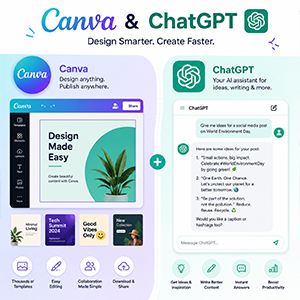
Canva has also embraced automation through its AI-powered features, allowing users to generate layouts and design suggestions more efficiently.
Design.ai and Similar Platforms
These solutions focus on marketing-specific creative production, helping teams create visual assets at scale.
Which Option Should You Learn First?
The answer depends on your goals.
Choose Canva If You:
- Need practical skills immediately
- Want to start freelancing quickly
- Focus on social media marketing
- Prefer a simple learning experience
- Need to create content regularly
Focus on Advanced Design Technology If You:
- Want long-term career growth
- Aim for higher-paying opportunities
- Enjoy learning emerging technologies
- Want to work in innovative agencies
- Plan to specialize in creative marketing
The Best Learning Path for Students
Instead of choosing one over the other, consider learning them in stages.
Phase 1: Learn Canva Basics
Spend the first few weeks understanding:
- Layout design
- Typography
- Color combinations
- Branding principles
- Social media content creation
Phase 2: Explore New Creative Technologies
Once comfortable with design fundamentals, begin experimenting with AI Design Tools to understand automation, prompt writing, and content generation.
Phase 3: Build Hybrid Skills
The most successful professionals combine both approaches.
They use Canva for:
- Quick revisions
- Brand consistency
- Team collaboration
They use advanced tools for:
- Original concepts
- Creative experimentation
- Large-scale content production
This combination creates a powerful competitive advantage.

What Employers Actually Value
Many students assume employers care only about software proficiency. In reality, companies prioritise broader capabilities.
Skills That Matter Most
- Design thinking
- Communication
- Brand understanding
- Problem-solving
- Content strategy
- Visual storytelling
- Marketing knowledge
Tools change over time, but these skills remain valuable throughout your career.
Building a Strong Portfolio
Your portfolio often matters more than the tools you use.
Include:
Canva Projects
- Social media campaigns
- Presentation designs
- Infographics
- Brand kits
- Promotional graphics
Advanced Design Projects
- Creative concepts
- Campaign mockups
- Visual storytelling projects
- Before-and-after design improvements
- Multi-platform marketing assets
Employers want to see how you think, not just which software you know.
Final Thoughts
For digital marketing students, Canva remains one of the fastest ways to start creating professional content. It is practical, accessible, and highly relevant for many entry-level roles.
At the same time, the future of creative marketing is increasingly influenced by automation and intelligent workflows. Learning AI Design Tools can help you stay competitive, improve productivity, and prepare for higher-level opportunities.
The smartest strategy isn’t choosing one and ignoring the other. Start with Canva, build strong design fundamentals, then gradually expand into modern creative technologies. This balanced approach will make you more adaptable, employable, and future-ready.
At Brand Digital Marketing Institute, students are encouraged to build both foundational and future-focused skills, ensuring they are prepared for the rapidly changing digital marketing landscape.
FAQs
Yes. Canva is sufficient for many entry-level roles, especially in social media management and content creation. However, expanding your skill set later can improve career growth.
No. They enhance productivity and creativity, but strategic thinking, branding decisions, and marketing insights still require human expertise.
Most students can learn Canva basics within a few days and become comfortable using it within one to two months.
Not necessarily. Free plans provide enough features for beginners to learn and build a portfolio before upgrading.
A combination of Canva knowledge and modern creative technology skills offers the strongest career prospects and flexibility.