
Digispire

Enroll Now and Unlock a 100% Scholarship for Our Digital Marketing Program | Don't Miss Out – Limited Seats Available! Join the 5-Day AI Creator Summer Bootcamp at ₹2,999 | Limited Seats – Secure Your Spot Today! Enroll Now and Unlock a 100% Scholarship for Our Digital Marketing Program | Don't Miss Out – Limited Seats Available!

Top AI Tools for Social Media Marketing Every Student Should Know

AI Powered Social Media Marketing

Table of Contents

Social media marketing is changing fast, and AI tools are becoming a part of everyday work for creators, marketers, and brands. From writing captions to designing posts and editing videos, these tools help save time and make content creation easier.

If you’re a student planning to build a career in digital marketing, content creation, or branding, learning a few AI tools now can give you a strong advantage later. The good part? Most of them are beginner-friendly and offer free versions to start with.

Why AI Tools Are Important in Social Media Marketing

Managing social media today is more than just posting photos. Brands need content ideas, visuals, videos, analytics, and consistency across platforms. AI tools help with things like:

  • Understanding audience behavior
  • Planning content faster
  • Designing creatives without advanced skills
  • Writing captions and campaign ideas
  • Creating videos for reels and ads
  • Saving time on repetitive tasks


For students, these tools are useful not only for internships and jobs but also for building personal brands, portfolios, or freelance work.

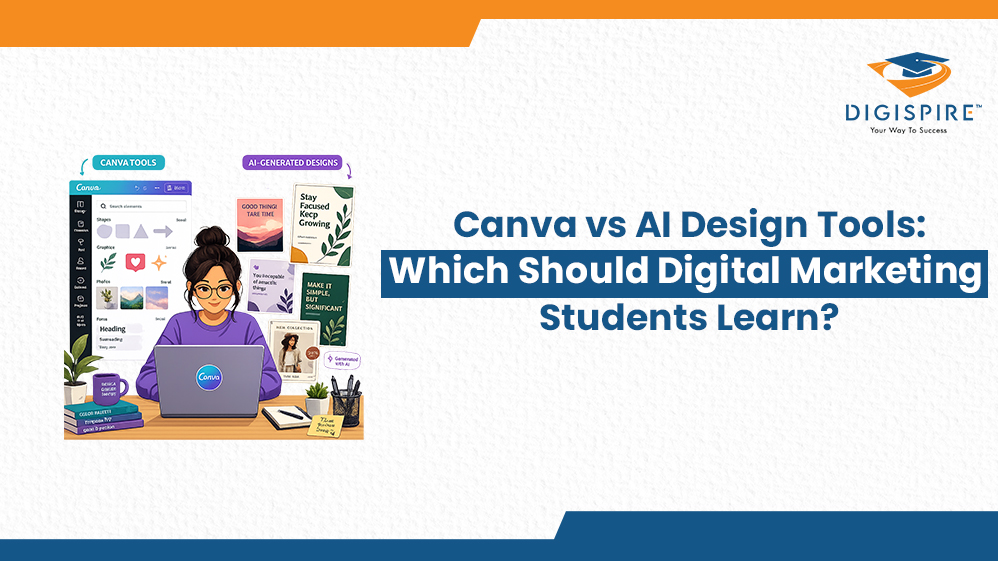
1. Canva AI

Canva has become one of the most popular tools for social media design, and its AI features make the process even easier.

What You Can Do:

  • Create designs using simple text prompts
  • Remove backgrounds instantly
  • Generate social media templates
  • Create brand color palettes
  • Resize designs for different platforms
  • Make presentations, posters, reels, and stories quickly

Why Students Like It

You don’t need professional design experience to create polished content. Canva makes design feel simple and less intimidating.

Best For:

  • Instagram posts
  • LinkedIn creatives
  • Presentation slides
  • Reels thumbnails

canva

2. ChatGPT

ChatGPT is widely used for content writing and brainstorming. It helps when you’re stuck, short on ideas, or need quick drafts.

What You Can Do:

  • Write captions and post ideas
  • Generate hashtag suggestions
  • Create blog outlines
  • Draft email copies
  • Plan campaigns
  • Rewrite content in different tones

Why It Helps

Instead of spending hours staring at a blank screen, you can quickly build a starting point and refine it with your own style.

Best For:

  • Content creators
  • Copywriting
  • Social media planning
  • Content calendars

chatgpt

3. Claude

Claude is another AI writing assistant known for producing more natural and detailed responses.

What You Can Do:

  • Write long-form content
  • Build campaign strategies
  • Refine brand messaging
  • Analyze audience tone
  • Organize complex ideas clearly

Why It’s Useful

Claude works especially well for structured writing and strategy-focused tasks where clarity matters.

Best For:

  • Brand strategy
  • Detailed content writing
  • Marketing plans
  • Creative brainstorming

claude

4. Gamma AI

Creating presentations can take hours. Gamma AI speeds up the process by turning ideas into clean, professional slides.

What You Can Do:

  • Generate presentations from text
  • Create pitch decks quickly
  • Design reports and proposals
  • Add visuals and layouts automatically
  • Share interactive presentations online

Why It Matters

AI Powered Social Media Marketing often need to present ideas to clients, teams, or professors. Gamma helps make presentations look polished without spending too much time formatting.

Best For:

  • Pitch decks
  • Campaign presentations
  • Student projects
  • Marketing reports

gamma

5. Midjourney

Midjourney is one of the most talked-about AI image generation tools right now.

What You Can Do:

  • Create original visuals from prompts
  • Generate artistic content styles
  • Build brand aesthetics
  • Design product visuals
  • Create unique concepts for campaigns

Why Creators Use It

Stock photos can feel repetitive. Midjourney helps create visuals that feel more original and creative.

Best For:

  • Creative campaigns
  • Moodboards
  • Visual storytelling
  • Brand aesthetics

midjourney

6. Higgsfield

Short-form video content is everywhere, and Higgsfield focuses on AI video generation.

What You Can Do:

  • Create short videos automatically
  • Generate video scripts
  • Make animated content
  • Produce product demos
  • Create social media ads faster

Why It’s Growing Fast

Video content performs well across platforms like Instagram, YouTube Shorts, and TikTok. Tools like Higgsfield make video creation easier for beginners.

Best For:

  • Reels
  • Short-form ads
  • Product videos
  • Social media campaigns

higgsfield

7. Google Gemini (Including Nano & Veo3)

Google Gemini combines writing, analysis, and multimedia support into one ecosystem.

Features Include:

  • Content generation
  • Real-time information support
  • Image and text understanding
  • Video creation through Veo3
  • Faster mobile-based processing with Gemini Nano

Why It’s Useful

Gemini is helpful for marketers who want multiple features in one platform instead of switching between different tools constantly.

Best For:

  • Content research
  • Strategy planning
  • Video concepts
  • Multi-format campaign

gemini

How These Tools Work Together

Most marketers don’t rely on just one AI tool. Usually, they combine different tools depending on the task.

A simple workflow might look like this:

  1. Use ChatGPT or Claude for content ideas
  2. Design visuals in Canva or Midjourney
  3. Create video content using Higgsfield or Veo3
  4. Present campaign ideas with Gamma AI


Using tools together helps improve both speed and creativity.

Tips for Students Starting With AI Tools

Start With Free Versions

Almost every tool offers a free plan or trial. Explore those first before paying for subscriptions.

Learn One Tool at a Time

Trying to master everything together gets overwhelming. Start simple:

  • ChatGPT for writing
  • Canva for design
  • Then move into advanced tools

Practice With Real Projects

The best learning happens through practice. Try:

  • Managing a small Instagram page
  • Designing posts for a local business
  • Creating mock campaigns
  • Building your LinkedIn portfolio

Add Your Own Creativity

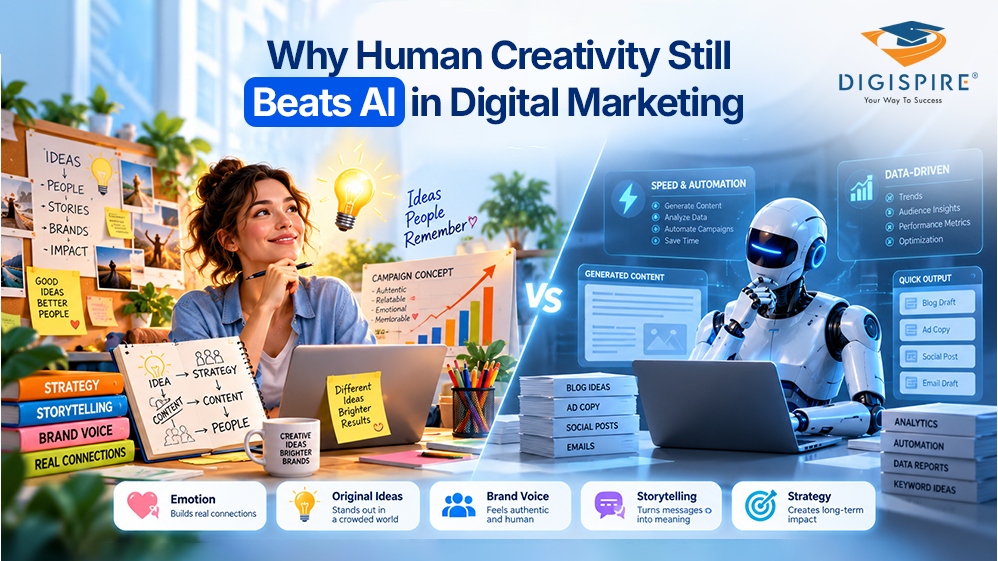
AI should support your ideas, not replace them. The strongest content still comes from personal experiences, creativity, and understanding people.

Common Mistakes Beginners Make

  • Copy-pasting AI content without editing
  • Using the same content style everywhere
  • Ignoring platform differences
  • Posting too much without strategy
  • Focusing only on trends instead of quality

AI can speed up the process, but good marketing still needs human thinking and creativity.

The Future of AI in Social Media Marketing

AI tools are becoming more advanced every year, especially in video creation, personalization, and content planning. Brands are already using AI for faster production and better audience targeting.

For students, learning these tools now can open doors in:

  • Digital marketing
  • Freelancing
  • Content creation
  • Branding
  • Social media management
  • Creative strategy


The people who stand out won’t be the ones using the most tools. They’ll be the ones who know how to use them thoughtfully.

Conclusion

AI tools are becoming a regular part of AI Powered Social Media Marketing, and students who learn them early will have an advantage in the industry. Whether it’s writing captions, designing posts, creating videos, or planning campaigns, these tools can make the process faster and more manageable.

Start small. Learn consistently. Experiment with content. Over time, you’ll discover which tools fit your style and workflow best.

In the end, good marketing still depends on creativity, storytelling, and understanding people. AI simply helps bring those ideas to life faster.

FAQs

Start with ChatGPT for writing and Canva AI for design. They’re simple to learn and useful for everyday content creation.

No. Free versions are enough for learning and practicing in the beginning.

You can learn the basics within a few weeks. Real improvement comes from regular practice and experimenting with projects.

Only if you rely on it completely. AI works best when combined with your own ideas, editing, and creativity.

Higgsfield and Google Gemini Veo3 are useful for AI video creation, while Canva helps with thumbnails and visual elements.

Leave a Reply

Your email address will not be published. Required fields are marked *

Are you ready to take your carrier to new heights?

Sign up for our free demo class today and start mastering the art of digital marketing!